








Foto.Guru GUI
Orders land on your computer by themselves. The app downloads new orders, unpacks them into a folder of your choice and prints the order sheet — before you even walk over to your workstation.
Automatic order downloading works in the PRO plan.
Antivirus raising an alarm? It is a false positive — see the explanation and instructions.
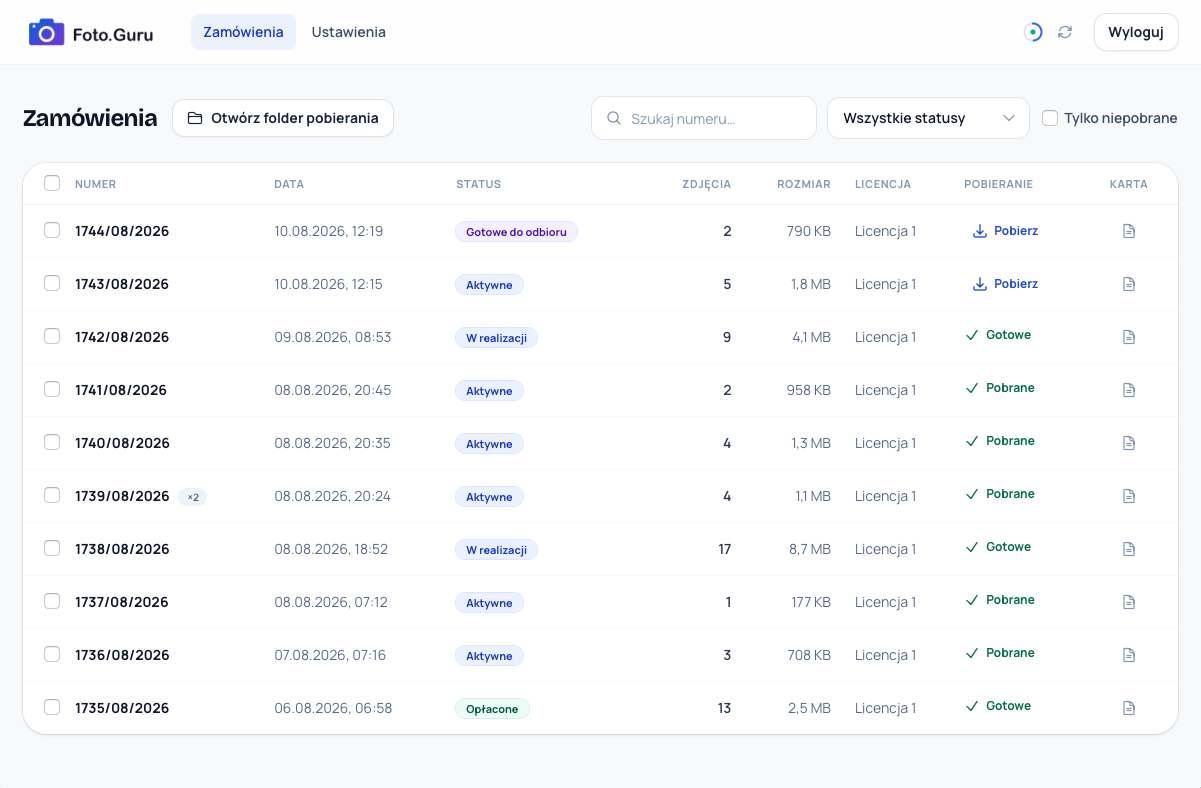
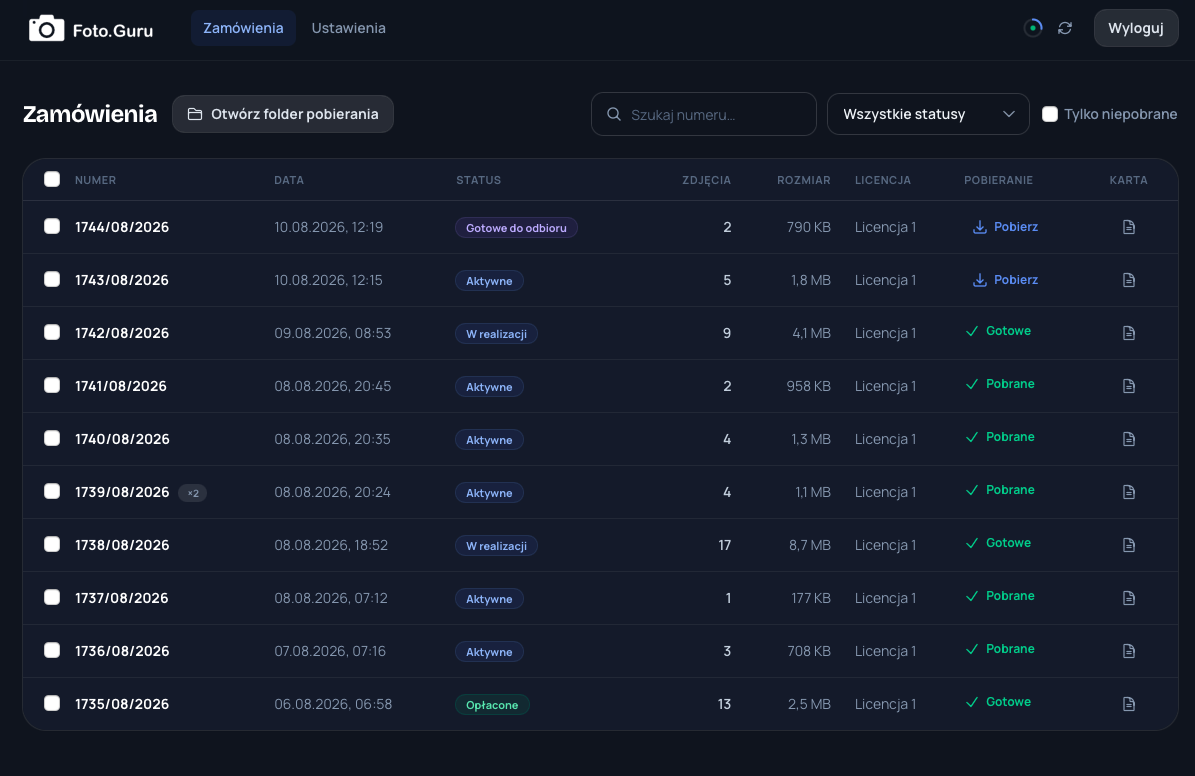
From order to printer — without lifting a finger
A customer places an order
The order appears in the system and Foto.Guru GUI notices it right away — no refreshing, no opening the browser.
The app downloads and unpacks
Files land in the folder you chose, unpacked and named by print size — ready to send to print.
The order sheet prints itself
For new orders the sheet can print automatically. You walk up to the printer and simply process the job.
An order panel that lives on your computer
Automatic download to a folder
New orders download themselves and unpack into the folder you chose. Switch on your computer in the morning — the files are already waiting.
Download selected orders
Prefer full control? Select specific orders and download only the ones you want to process right now.
Statuses without the browser
New, in progress, ready, picked up — change the status straight from the app and the customer gets a notification.
Order sheet on your printer
Order number, print sizes, photo count, customer details — print it with one click or set it to print automatically for every new order.
Let orders take care of themselves
Download the app, sign in with your Foto.Guru account and pick a folder. GUI handles the rest.