







If you run a professional photo lab, there’s a good chance your customers submit orders through ROES - or that you’re reading this because you’d like them to stop. “ROES alternative” is a question that comes up regularly on lab and photography forums, and the answers are usually scattered. This article puts the options in one place, as factually as we can.
Full disclosure up front: we make Foto.Guru, one of the systems mentioned below. We’ll flag where it fits and where it doesn’t.
What Is ROES, Exactly?
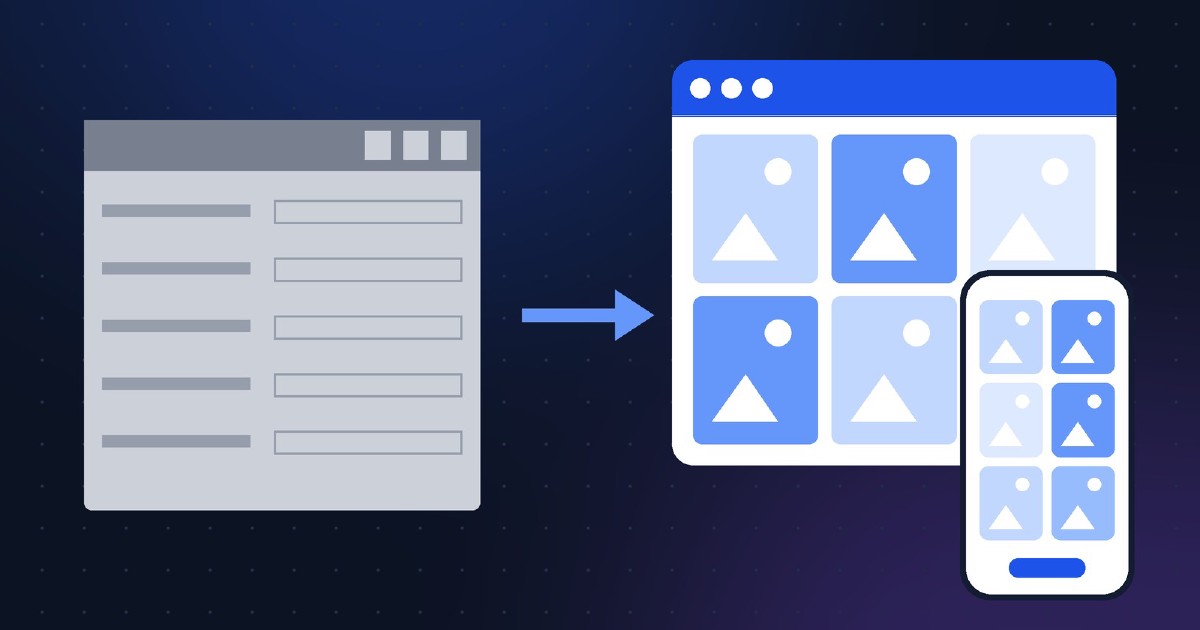
ROES stands for Remote Order Entry System, made by SoftWorks Systems. It’s a Java-based desktop application that labs brand and give to their customers: the customer downloads the lab’s ROES client, installs it, picks a folder of images, builds an order (prints, books, cards, wall products), and transmits it to the lab.
It comes in two editions - ROES Pro for professional studio customers and ROES Retail with a simplified interface for consumer orders - and it became something close to a standard for full-service professional labs. SoftWorks has cited tens of thousands of users across labs worldwide. Many well-known pro labs still offer a ROES client today.
ROES earned its position honestly. In the 2000s it solved a real problem: reliable transmission of large, complex orders over slow connections, with rich product templates, before web browsers could do any of that well.
Why Labs Look for Alternatives
The world around ROES changed. The reasons lab owners give for switching are consistent:
- Desktop install friction. The customer must download an application, install it, and sometimes fight Java runtime or security warnings first. Every step loses a percentage of customers - and generates support calls to you.
- No mobile ordering. A desktop client can’t run on a phone, and for consumer customers the phone is where the photos are. If your ordering path requires a computer, casual print orders quietly go to whoever has a working mobile flow.
- Maintenance and updates. Updates happen on the customer’s machine. When something breaks after an OS update, the customer calls the lab, not the software vendor.
- First impressions. For a new customer, “download and install our ordering software” is a very different pitch than “here’s a link.”
None of this makes ROES bad software. It makes it software optimized for a workflow - professional photographers submitting big orders from desktops - that is now only part of most labs’ business.
What to Look For in a Replacement
Before comparing vendors, decide what you actually need. The key criteria (covered in depth in our buyer’s guide to photo lab ordering software):
- Browser-based, mobile-friendly ordering - no installs on the customer side
- Product coverage - prints plus whatever photo products you sell
- Customer-side cropping - so orders arrive print-ready
- Online payments and delivery integrations for your market
- Your branding on the storefront, ideally your own domain
- A pricing model that works at your volume: flat subscription, commission, or license
- Setup effort - turnkey with vendor onboarding vs. self-service
The Options, Factually
Here are four systems labs commonly evaluate, based on the vendors’ own published information (checked June 2026). Where we couldn’t verify a number, we say so rather than guess.
dakis
A Canadian turnkey platform covering the whole retail photo stack: online ordering, in-store photo kiosk software, managed websites and eCommerce WebStores, plus lab workflow tools (a Job Downloader that harvests online and kiosk orders, and the IPS Order Manager that routes files to printers). If you want one vendor for kiosk, website, and lab automation together, this is that category. Pricing is not published - on request.
Best fit: labs that want a full ecosystem (kiosk + web + workflow) from a single vendor and are ready for a vendor-guided setup.
Photo Finale
A US platform offering a custom photo website, kiosk software, and mobile print/product ordering, with Lab 50 as the workflow and production layer that pulls orders from the kiosk fleet and website and queues them for printing. Photo Finale reports over 68,000 kiosks installed worldwide to date, so it’s a heavyweight particularly on the kiosk side. Offered in bundles; pricing on request.
Best fit: retailers running (or planning) kiosk fleets who also want consumer web and mobile ordering under one roof.
Simple Order System
A web-based ordering system built by the owner of a San Diego photo lab (ProLabPrints) and offered to other labs. Published pricing: $100/month including up to 1,000 orders, $0.10 per additional order, no percentage of sales; AWS S3 storage/transfer fees are billed separately (typically small). It supports batch ordering, configurable product options, and drop-shipping. The author is candid that initial setup can be rough and documentation is limited.
Best fit: US labs comfortable with a hands-on, no-frills setup who want web ordering at a fixed price without commissions.
Foto.Guru
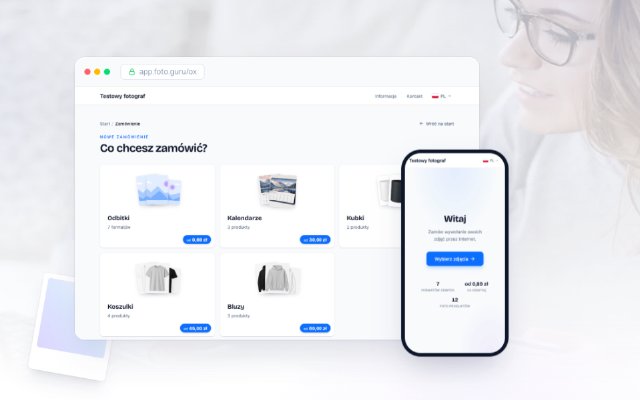
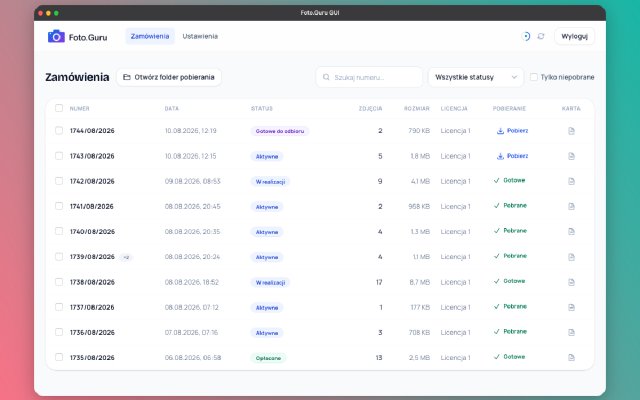
Our own system, so judge this paragraph accordingly. Foto.Guru is a browser-based online ordering system - customers order from any phone or computer with nothing to install, crop photos themselves, pay online (Stripe, PayPal, and regional operators), and choose delivery or pickup. Labs configure products and prices in a self-service admin panel; typical setup is 15-30 minutes. Flat subscription from €10.50/month, no commission, 30-day free trial, white-label on your own domain in the PRO plan. EU-based, in production since 2019, originally built for the Polish market. It focuses on ordering - it is not a kiosk platform and not a website builder. Full feature list here.
Best fit: labs that want online-first ordering at low fixed cost, set up without a vendor project.
Side by Side
| dakis | Photo Finale | Simple Order System | Foto.Guru | |
|---|---|---|---|---|
| Customer ordering | Browser + kiosk | Browser + kiosk + mobile | Browser | Browser (mobile-first) |
| Kiosk software | Yes | Yes | No | No |
| Website builder | Yes | Yes | No | No |
| Lab workflow tools | Yes (IPS/Job Downloader) | Yes (Lab 50) | Basic | Order management + download tools |
| Setup style | Vendor-guided | Vendor-guided | Self-service | Self-service |
| Published pricing | On request | On request | $100/mo (up to 1,000 orders) | From €10.50/mo |
| Commission on sales | - | - | None | None |
| Free trial | Ask vendor | Ask vendor | Ask vendor | 30 days |
Capabilities per vendor websites, June 2026. Always confirm current details with each vendor - offerings change.
Do You Have to Drop ROES to Add Browser Ordering?
No - and for many pro labs the sensible move is both, at least during a transition:
- Keep ROES for the customers it serves well - high-volume professionals with established workflows won’t thank you for taking their tool away overnight.
- Add a browser-based channel for everyone else - consumers, walk-ins you redirect online, and pros who order occasionally from a phone.
- Watch where the volume goes. If the browser channel absorbs most orders over a year, you can decide about the desktop client with data instead of guesswork.
Since browser-based systems in this list are either cheap (flat subscriptions) or commission-free at fixed cost, running a second channel in parallel is a low-risk experiment. With a free trial you can test the full flow - upload, crop, payment, delivery - before your customers ever see it.
Try Foto.Guru free for 30 days →
FAQ
Is ROES discontinued? No. SoftWorks Systems continues to offer ROES, and many professional labs still use it. “Alternative” here means alternatives for labs whose needs have shifted toward mobile and install-free ordering, not a eulogy.
Can a browser system handle professional-size orders? Test with your real numbers. Modern browsers upload large batches fine on decent connections, but a 3,000-file wedding order is a different animal than 40 vacation prints. Run a realistic test order during any trial - see our demo for how the customer side works.
What does switching cost? For self-service systems, mostly your time: entering products and prices, then telling customers about the new link. See pricing for what the subscription itself costs, and the FAQ for common migration questions.
Questions about moving your lab’s ordering online? Get in touch - we’re happy to talk through your setup, even if we’re not the right fit.