








In the latest update, we have added support for InPost Parcel Locker integration. With this feature, you can generate and pay for parcel labels directly from your order list – without needing to log in to the InPost panel.
Go to the “Integrations” > “InPost Parcel Lockers” section and fill in the required information.
For configuration details, please refer to the user manual.
How it works
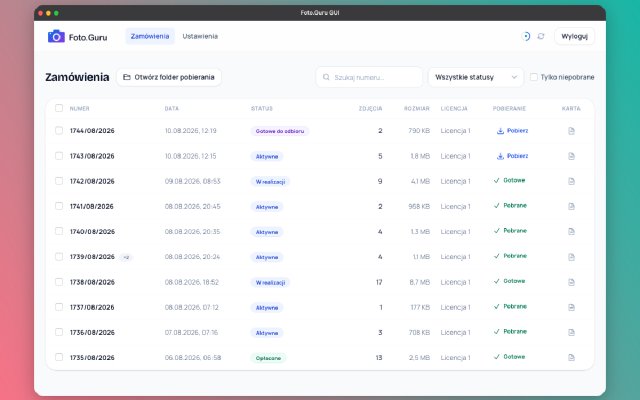
Once the integration is enabled in your settings, a new button will appear next to orders with the InPost Parcel Lockers delivery method.
The button color indicates the label status:
- Orange – the label has not yet been paid for,
- Green – the label has been generated and paid for.
Clicking the button opens a window with the parcel summary.
If you have previously configured default options (e.g., parcel size or drop-off method), a single click is all it takes to create and pay for the label.
Why it matters
- Time savings – no need to log in to a separate panel.
- Ability to set default parcel size and drop-off method.
- Payment and label generation in a single step.
- Automatic display of the tracking number in email notifications and on the order status page.
Try the new feature
InPost Parcel Locker integration is available for users with a BASIC or PRO license.
Log in to your account and try generating labels directly from your orders.